In this article
Ergonomics plays a vital role in preventing injury, improving comfort and boosting productivity at work. Whether employees work in an office or remote setting – or have a manual role – well-designed environments help reduce strain and support long-term well-being.
This guide explores why ergonomics matters for organisations and employees in the UK and how to put its principles into practice.
What is ergonomics?
Ergonomics is often described as the science of fitting the job to the person. It looks at the interaction between people and their work environment.
Originating in the mid-20th century, the discipline draws on physiology, biomechanics, psychology and design. Its goal is to reduce strain, prevent injury and minimise errors by adapting workstations, equipment and practices to suit human capabilities and limitations. Ultimately, it helps build a more productive workforce.
At its core, ergonomics aims to prevent discomfort and injury by analysing how workers interact with their surroundings. This involves studying posture, movement patterns and the forces exerted during manual tasks, as well as cognitive demands such as attention and decision-making.
Modern ergonomics recognises the importance of both physical and mental health, acknowledging that stress, fatigue and repetitive strain can reduce job satisfaction and output.
In practical terms, ergonomic principles translate into adjustable chairs, well-positioned screens and protocols that encourage micro-breaks and job rotation. When applied effectively, these measures contribute to a safer, healthier and more comfortable work experience for all employees.
Why ergonomics matters in UK workplaces
In the UK, the burden of work-related musculoskeletal disorders (MSDs) is high. According to statistics published by the Health and Safety Executive (HSE), around half of all working days lost to ill health are caused by MSDs, such as back pain, neck strain and repetitive strain injuries. These conditions not only affect employees’ quality of life but also impose substantial costs on employers through absenteeism, reduced productivity and higher insurance premiums.
In sectors such as administrative and support services, where computer-based work is common, poor ergonomic practices can exacerbate visual fatigue and upper-limb disorders, reducing operational efficiency.
Employee well-being and retention are being prioritised more and more. Investing time and money into ergonomics demonstrates a commitment to staff welfare, enhancing morale and reducing turnover. This is particularly important in competitive industries, where attracting and keeping skilled personnel is vital.
Regulatory frameworks in the UK, including the Health and Safety at Work etc. Act 1974 and the Management of Health and Safety at Work Regulations 1999, impose a duty on employers to assess and control risks associated with work activities. When a company does not adhere to ergonomic standards, it may face enforcement action, fines and reputational damage. As a result, investing in ergonomics is both a legal responsibility and a smart business move for UK employers.
Common musculoskeletal disorders (MSDs)
MSDs encompass a range of conditions affecting muscles, tendons, ligaments, nerves and joints. Among the most common in office environments are:
- Tension neck syndrome – Arises from prolonged static postures, particularly when the head is held ahead of the spine. Tension neck syndrome often occurs when screens are too low or desks are too high.
- Carpal tunnel syndrome – Occurs when the median nerve is compressed at the wrist, leading to numbness, tingling and weakness in the hand. This often results from excessive wrist extension during typing or not using pointing devices correctly.
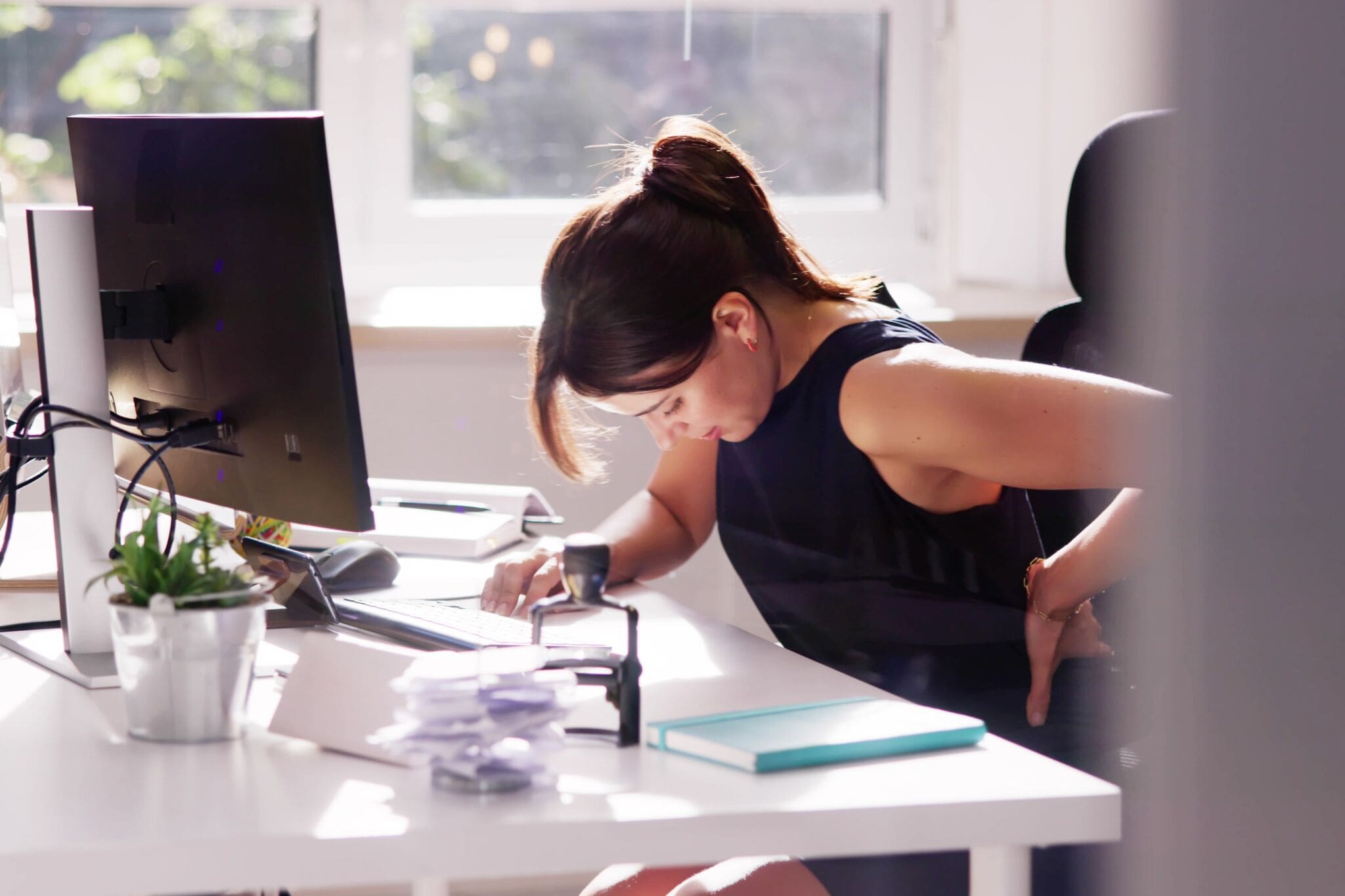
- Lower back pain – Typically linked to poor lumbar support or unadjustable chairs, as this can cause muscles and spinal discs to bear too much weight.
In roles involving manual handling or repetitive physical tasks, other conditions can occur:
- Tendonitis – Characterised by inflammation of the tendons, usually caused by repeating the same movement too often without enough rest.
- Vibration-white finger – Results from continuous use of vibrating tools, which can reduce blood flow to the fingers and damage nerves over time.
- Shoulder impingement – Pain and reduced range of motion when lifting or rotating the arm. It’s common in jobs that involve repeated overhead work or lifting.
Recognising the early signs of these conditions – pain that worsens with activity, persistent stiffness and sensory changes – is crucial for timely intervention and preventing chronic injury.
Desk-based roles: Ergonomic principles
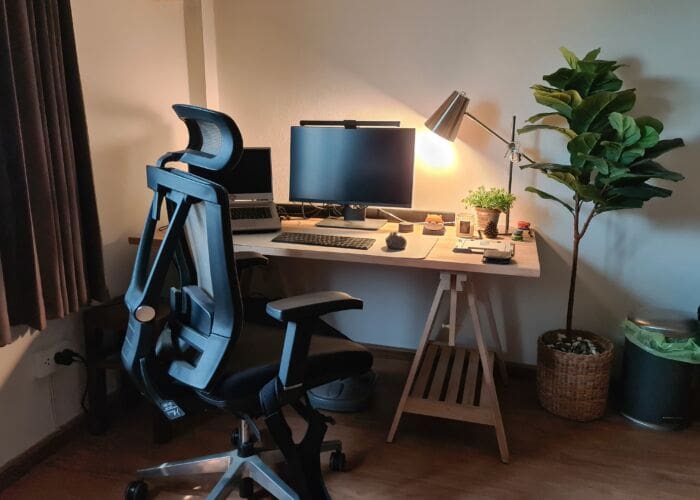
In desk-based occupations, the interplay between chair, desk and display is important.
Chair and armrests
A well-adjusted chair supports the natural curve of the spine, while an adjustable lumbar cushion supports the lower back.
The seat depth should allow approximately 2–3 fingers’ width between the edge of the seat and the back of the knees, promoting healthy circulation.
If the chair has armrests, they should align with the desk surface to allow relaxed shoulders and prevent hunching.
Primary input devices
The keyboard and mouse should be positioned so that the user can keep their wrist neutral.
The keyboard should lie flat or with a slight negative tilt to keep wrists straight. A model with a split design can reduce ulnar deviation (when wrists bend outward towards the little finger).
A vertical or trackball mouse offers alternative hand and wrist orientations, potentially alleviating strain for users prone to wrist discomfort.
Screen placement
The monitor should be positioned at least an arm’s length away, with the top edge aligned to the employee’s eye line. This minimises neck flexion and encourages a downward gaze of no more than 30 degrees.
Dual-monitor setups should be arranged symmetrically to avoid sustained head turns. If the employee uses one display more often than the other, position it in the centre, with the secondary screen next to it.
Work practices
Encourage employees to take short micro-breaks every 20–30 minutes. For example, they might stand up, stretch, go for a short walk or change tasks. Simple stretching routines targeting the neck, shoulders and forearms help maintain flexibility and circulation throughout the day.
Taking regular micro-breaks can interrupt static postures and reduce fatigue.
Office layout, lighting and environment
The wider office environment can influence ergonomic effectiveness.
Layout
Open-plan layouts should strike a balance between encouraging teamwork and allowing for privacy.
Walkways must remain clear of obstructions, and break-out areas should offer seating that lets staff sit in different postures. Circulation space between desks should permit effortless movement and minimise twisting or overreaching.
Lighting
Lighting levels in UK offices typically range between 300–500 lux for desk work.
Natural light is great for well-being, but it can cause screen glare if not properly managed. Installing adjustable blinds and positioning desks perpendicular to windows mitigates this risk.
Adjustable desk lamps let users adjust the lighting in their immediate environment so that it suits specific tasks. This helps reduce eye strain.
Temperature and air quality
Thermal comfort is influenced by temperature, humidity and air movement. It plays a key part in employee concentration and muscle tension. The Chartered Institute of Building Services Engineers (CIBSE) recommends maintaining the office temperature between 19–22°C in winter and 23–26°C in summer.
Ensure heating, ventilation and air-conditioning (HVAC) systems undergo regular maintenance. Poor air quality and stagnant ventilation can aggravate headaches and musculoskeletal issues.
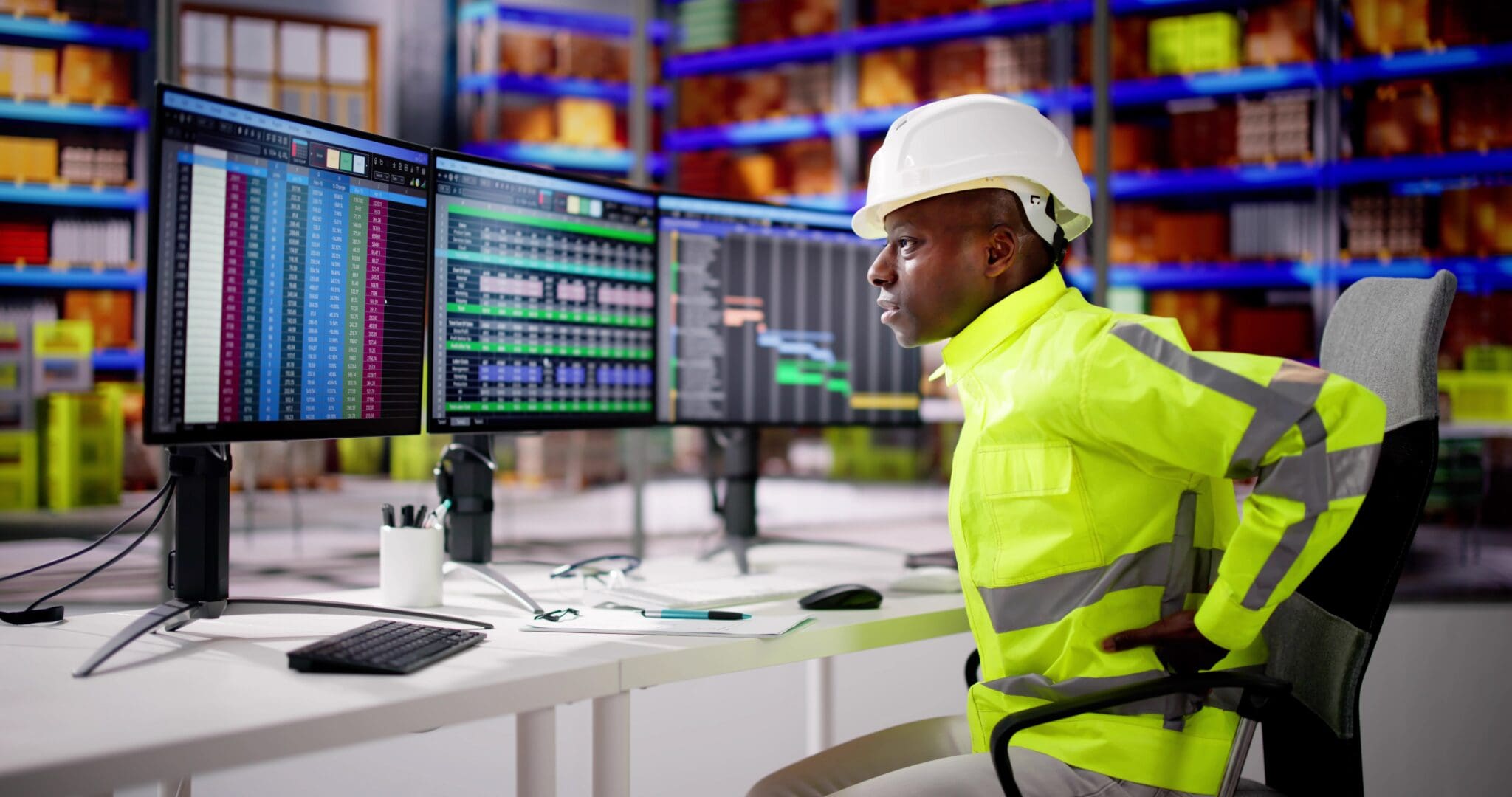
Manual handling tasks: Ergonomic best practices
Manual handling is a leading cause of work-related injuries, particularly in logistics, retail and healthcare.
Risk assessment
Risk assessment means identifying tasks that include heavy loads, awkward postures, or repetitive lifting.
Mechanical aids such as trolleys, pallet trucks and hoists, which minimise direct lifting, can mitigate the risk of injury.
Manual handling isn’t always avoidable. When there’s no alternative option, encourage employees to adopt the principles of the “straight back, bent knees” lift: keep the back aligned, bend at the hips and knees and use leg muscles to power the lift rather than the lower back.
Load positioning
Carrying heavy items close to the body reduces pressure on the spine.
With asymmetrical loads, encourage employees to alternate arms or use a two-handed grip to help distribute effort evenly.
Team lifting for bulky or heavy objects ensures nobody exceeds safe lifting thresholds, promoting both safety and collaboration.
Rotation of tasks
Mixing up tasks during a shift – such as switching between lifting, pushing and lighter duties – gives different muscle groups a chance to rest. Adding short breaks and simple stretches helps the body recover and lowers the risk of ongoing strain or injury.
Home-office ergonomics for remote and hybrid work
The rise of remote and hybrid working models has brought new ergonomic challenges. Home workstations often lack the adjustability and space found in the office, leading to improvised setups – laptops perched on sofas, dining chairs used as office seating or work performed at kitchen counters. These compromises can lead to neck, shoulder and back pain over time.
Employers should extend ergonomic support to remote staff to mitigate risks and build a culture of care and support – regardless of location. This starts with conducting virtual assessments via video calls, where ergonomics specialists can give advice on workstation modifications that use readily available items. For example, a laptop stand combined with an external keyboard and mouse can transform a kitchen table into an ergonomically sound desk.
Simple equipment vouchers allow employees to buy essentials such as footrests, laptop risers and task lighting, ensuring compliance with display screen equipment (DSE) regulations at home.
Employers should also offer clear guidance on work patterns that preserve work–life balance and reduce sedentary behaviour. For example, encourage remote workers to schedule regular movement breaks, maintain defined work and rest areas, and stick to consistent start and finish times.
Choosing the right ergonomic tools and equipment
To select suitable ergonomic equipment, consider the user’s preferences, the demands of their tasks and your budget.
Involving staff in equipment trials gives them a sense of ownership and ensures that investments match up with real user needs. Trial periods, combined with feedback surveys, allow organisations to refine their choices before committing to large-scale purchases.
Desks and workstations
For desk-based roles, height-adjustable workstations allow users to alternate between sitting and standing, mitigating the hazards of prolonged static posture.
Sit/stand desks with easy-to-use mechanisms encourage employees to change their position several times per day, reflecting current guidelines that recommend 2–4 hours of standing or movement in an eight-hour workday.
Seats
Chairs with five-star bases, easy-to-adjust lumbar supports and multi-tilt mechanisms accommodate a variety of body shapes. For roles involving keyboard activity, gel-padded wrist rests and articulated keyboards can minimise wrist discomfort.
Solutions for manual handling environments
Tools with vibration-damping handles, lightweight construction and interchangeable heads help workers stay in control while reducing strain from vibration and awkward grips.
Footwear, often overlooked, plays a crucial part: anti-fatigue mats in standing areas and supportive, slip-resistant shoes aid posture and reduce lower-limb fatigue.
How to assess a workspace: A step-by-step guide
Observing posture and movement
Start by systematically evaluating the individual’s workstation and work practices.
Observe their typical posture and movements throughout the day, noting any awkward positions or repetitive motions. This may involve shadowing the worker or using video analysis to identify stress points.
Measuring key dimensions
| Measurement | Recommended range |
| Seat height relative to floor | Feet flat on the floor; thighs parallel to the floor |
| Desk height relative to elbows | Forearms resting at approximately right angles |
| Monitor distance from eyes | Top of the monitor at, or just below, eye level |
Reviewing workspace organisation
Review the workspace’s organisation.
- Ensure that frequently used items such as the keyboard, mouse and phone are within easy reach, reducing the need for extended reaches that strain the shoulders and back.
- Evaluate lighting levels to prevent glare on screens and avoid excessive contrast between the workstation and wider environment.
- Consider temperature and air quality. Thermal discomfort and poor ventilation can distract workers and contribute to musculoskeletal tension.
Gathering employee feedback
Engage employees in self-reporting. Use brief questionnaires or digital tools that allow staff to log discomfort levels at regular intervals, pinpointing hotspots and guiding targeted adjustments.
Coupling objective measurements with subjective feedback gives you a holistic understanding of ergonomic risks, laying the foundation for precise, sustainable improvements.

Why it’s important to conduct regular ergonomic assessments
Ergonomic assessments are most effective when embedded into routine health and safety processes.
Annual workstation reviews aligned with performance appraisal cycles provide a formal opportunity to reassess equipment, address evolving needs and document improvements. Where possible, integrate quick self-assessment tools into digital platforms, allowing employees to log issues in real time and request support.
In physically demanding roles, carry out periodic reviews so that they coincide with changes in task profiles, new equipment or modifications to production lines. Combining quantitative measures – such as DSE assessment scores and manual handling risk ratings – with qualitative staff feedback gives a clearer picture of what’s working and what’s not. Tracking trends over time highlights where systemic issues persist, guiding targeted training or financial investment.
Employee training and awareness programmes
Staff awareness programmes should cover the fundamentals of posture, the correct use of equipment and the importance of micro-breaks.
Visual aids, such as posture-correcting posters and workstation checklists, serve as daily reminders of best practices.
Interactive workshops engage employees more effectively than passive e-learning modules. These might involve:
- Live demonstrations
- Role-play
- Q&A sessions
Don’t treat training as a one-off event. Quarterly refreshers reinforce key principles and introduce emerging ergonomic insights. Including line managers in training ensures that they can identify early signs of discomfort among their team and facilitate timely fixes.
You could even introduce an “ergo champion” network – enthusiastic staff trained to support colleagues. This is a great way to create a peer-driven culture of continuous improvement.
Making ergonomic changes that work
Effective ergonomic interventions can range from simple tweaks to major redesigns.
Quick-win adjustments might include raising monitor heights using low-priced stands, replacing non-adjustable chairs with basic height-adjustable alternatives, or placing frequently used items within arm’s reach. These measures are inexpensive, but they immediately boost comfort.
Medium-term projects might involve providing sit/stand desks for heavily used workstations, clearing under-desk clutter with cable management or upgrading lighting to reduce glare. These upgrades often require capital expenditure but noticeably reduce discomfort and enhance employee morale.
Major changes, such as redesigning entire office floors or reworking production lines, need thorough project planning. Involving teams from health and safety, facilities and HR – along with employee reps – ensures that design decisions reflect operational needs and ergonomic best practice.
Pilot-test changes in a single department so that you can observe effects and make adjustments before rolling out changes across the organisation. This reduces the risk of unforeseen issues.
Measuring the impact of investment in ergonomics
Health, well-being and productivity
Assessing the outcomes of ergonomic improvements involves quantitative and qualitative metrics.
Key performance indicators (KPIs) might include:
- Recorded MSD incidents
- Rates of sickness absence
- Employee engagement scores
- Task completion times
- Error rates
Surveys and focus groups help bring meaning to the numbers by capturing how people actually feel about their comfort, well-being and job satisfaction. High levels of reported comfort and positive feedback reinforce the business case for continued investment in ergonomic improvements. Over time, comparative analysis between teams or locations can identify best practices and inform strategies for scaling.
Cost–benefit analysis
Although ergonomic improvements incur upfront costs, the long-term return on investment (ROI) is often strong. Lower absenteeism means making savings on temporary staffing or overtime. A drop in compensation claims can reduce insurance premiums, limiting financial exposure.
On top of that, better comfort leads to less fatigue and fewer mistakes, boosting both productivity and work quality.
A conservative case might calculate that a 20-seat department equipped with sit/stand desks and ergonomic chairs costs £10,000, but delivers a 25% reduction in MSD-related absence. If each day lost costs the organisation £200, recouping 40 lost days translates to £8,000 in savings. Initial investments will be covered within 18 months.
Beyond direct savings, investment also brings less obvious benefits, such as enhanced employer brand and staff retention.
Conclusion and further resources
Embracing ergonomics today ensures a healthier, more engaged and more resilient workforce for tomorrow. It involves ongoing assessment, adjustment and reinforcement.
It can enhance staff well-being, optimise productivity and enable UK organisations to meet statutory obligations. Whether it’s a small desk adjustment or a full redesign of how work is done, every step towards better ergonomics brings real benefits – for both staff and the organisation.
The following resources offer further guidance:
- The Health and Safety Executive’s comprehensive guidance on display screen equipment and manual handling
- The Chartered Institute of Ergonomics and Human Factors (for professional insight)
- Acas (for practical advice on well-being strategies)